 Museum & Visitor Center
Every exhibit, every language
Live tours and on-demand exhibits — synchronized, multilingual, scalable.
Guided and self-guided tours
One platform for live tours and on-demand exhibits — synchronized and multilingual.
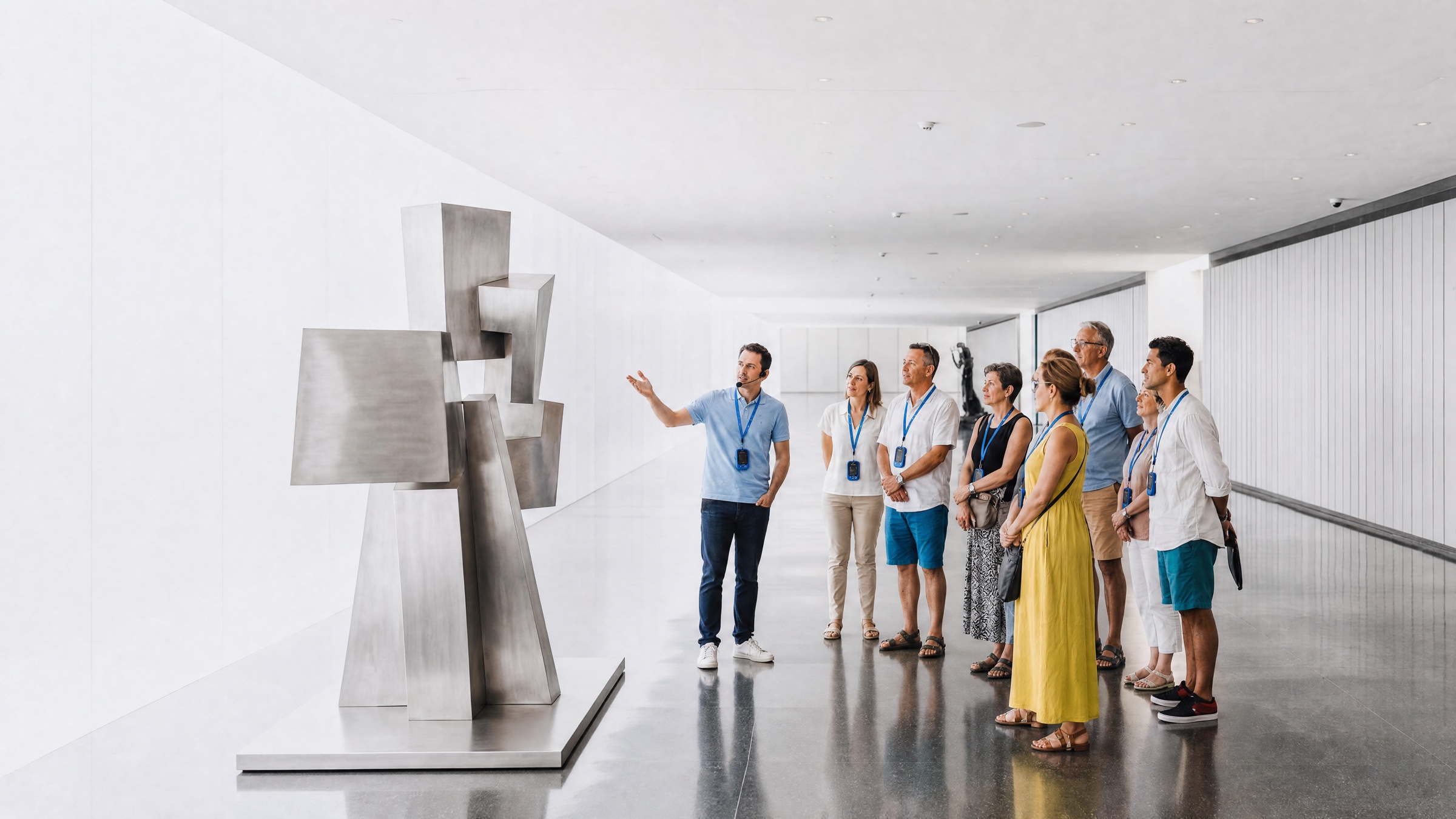
Group Guiding
- Live guide voice broadcasting
- Audio broadcasting with ducking
Audio Guide
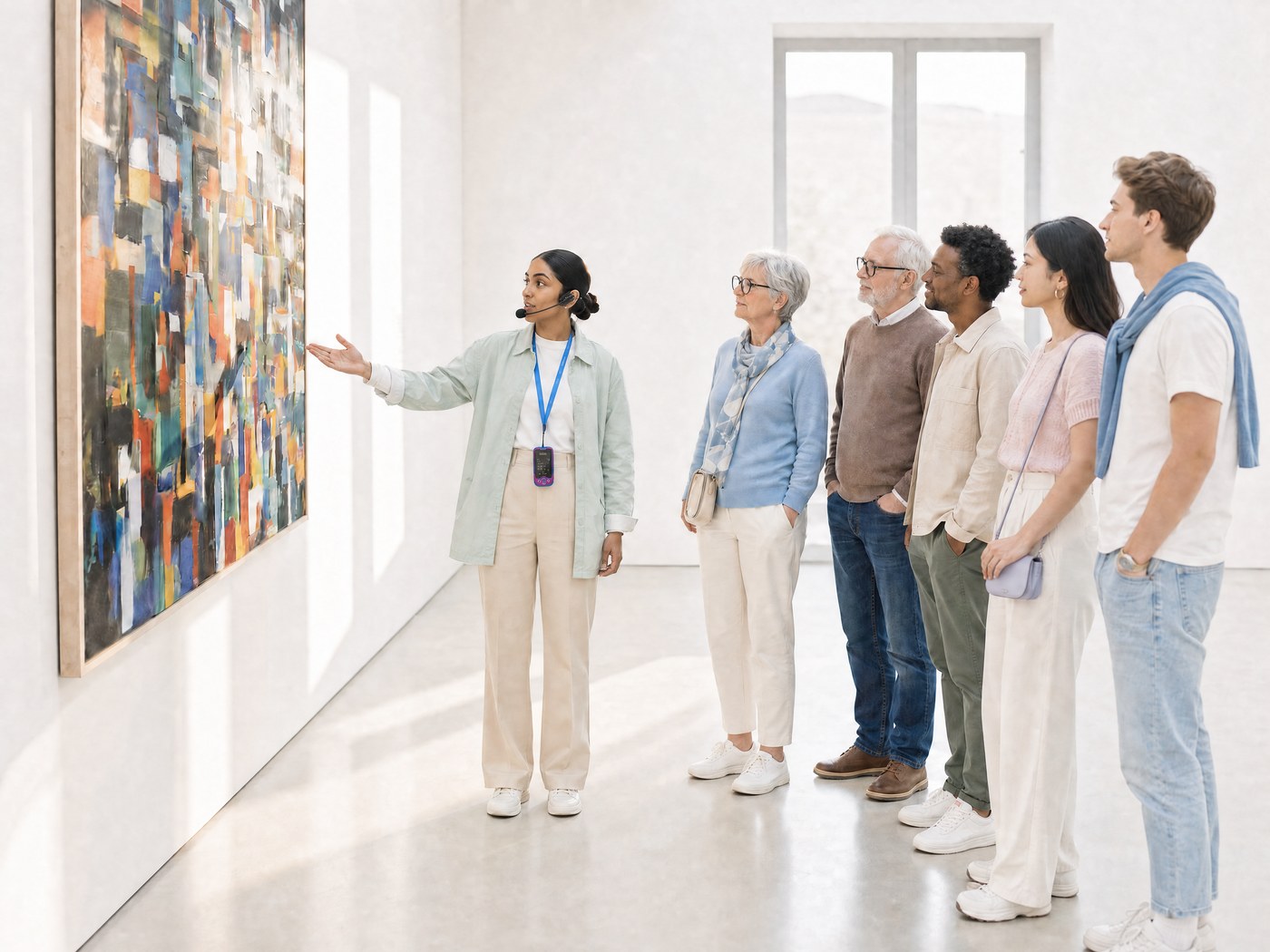
- On-demand audio playback
- Multi-language support
- Timecode over Auracast
Three ways to play an exhibit
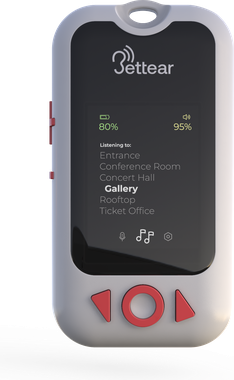
On the RTX the visitor simply picks from a list of items — behind each item the integrator can mix three kinds of audio.
Live Auracast™ stream
A live exhibit feeds audio straight into an Auracast™ transmitter — broadcast in real time.
On-demand playback
Audio files loaded into the tour list, played on demand when the visitor selects them. Not synchronized.
Timecode-based playback
Audio files on the RTX synced to a timecode stream-frame-accurate to video, lighting or a live show.
Manually select
Scroll the track list and pick an item.
Proximity trigger (beacon)
Audio starts automatically as the visitor approaches the exhibit.
Tap-to-play (NFC)
Tap an exhibit tag to start its audio (NFC).
One tour list — live, on-demand or timecode audio behind each item, played however the visitor prefers.
Dispatch hundreds
of RTXs in seconds
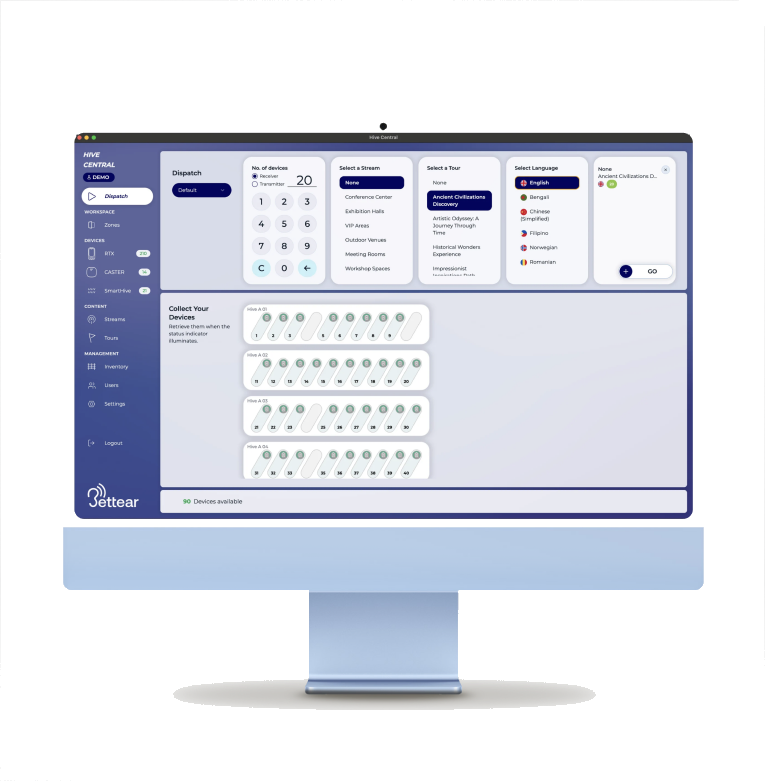
Hive Central's RTX Dispatch Panel — assign tours, languages and groups at a glance.
- Set Quantity of devices to dispatch
- Choose a tour
- Choose a language
- Go, your devices are ready to hand out.
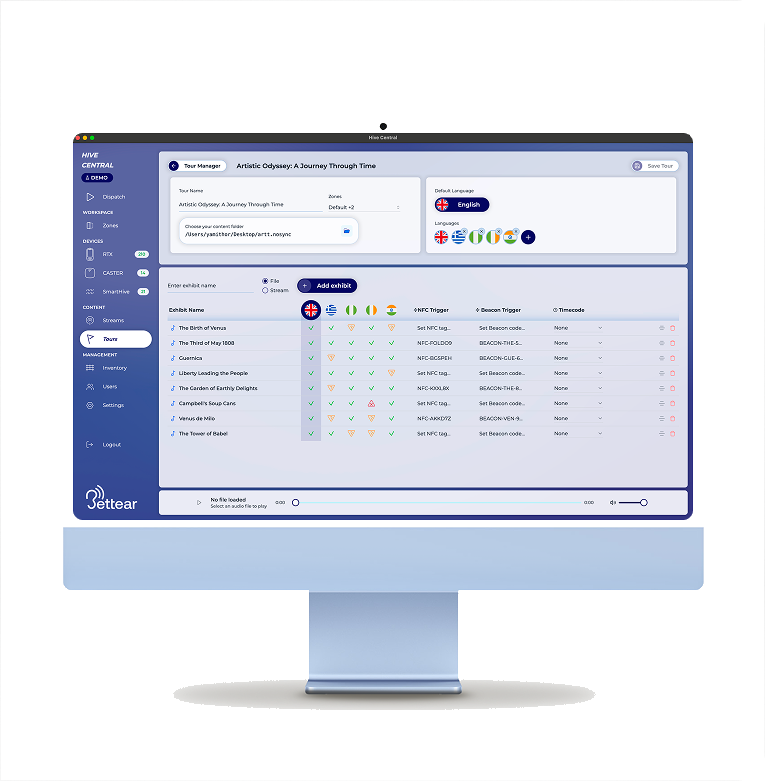
Design the journey:
Tour Builder
Create an immersive, multi-language experience with smart triggering
- Choose the tour languagesEvery language the tour will offer
- Add items to the tourAuracast™ streams or audio files
- Assign content to each itemAuracast™ streams and audio files, per language
- Add smart triggersNFC and beacons (future)
Build the experience in Hive Central's Tour Builder and dispatch in seconds.
Old way vs. the Bettear way
Project Requirement:
Synchronized audio for a single exhibit in 10 languages.
TimeCode, How it works


 04:12:08in sync
 04:12:08in sync

 27:03:22in sync
03:02:01:08in sync
27:03:22in sync
03:02:01:08in sync
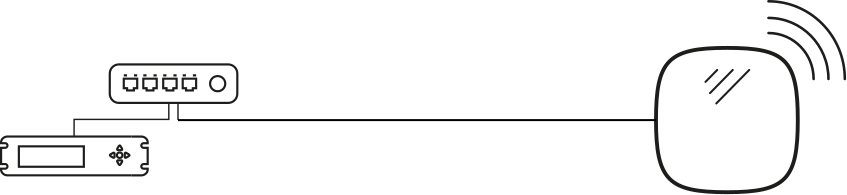
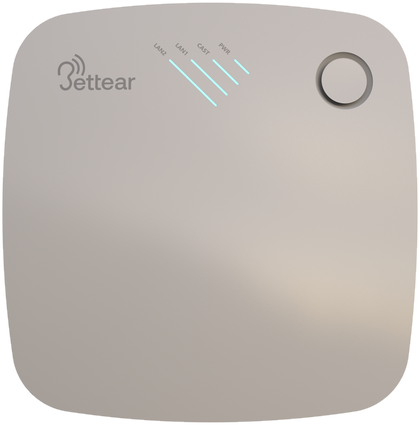
Audio files live on each RTX - the CASTER broadcasts only the clocks.
Frame-accurate, every language - up to 50 exhibits per CASTER.