CASTER

Professional Auracast™ Transmitter

Clear sound for people with hearing loss.
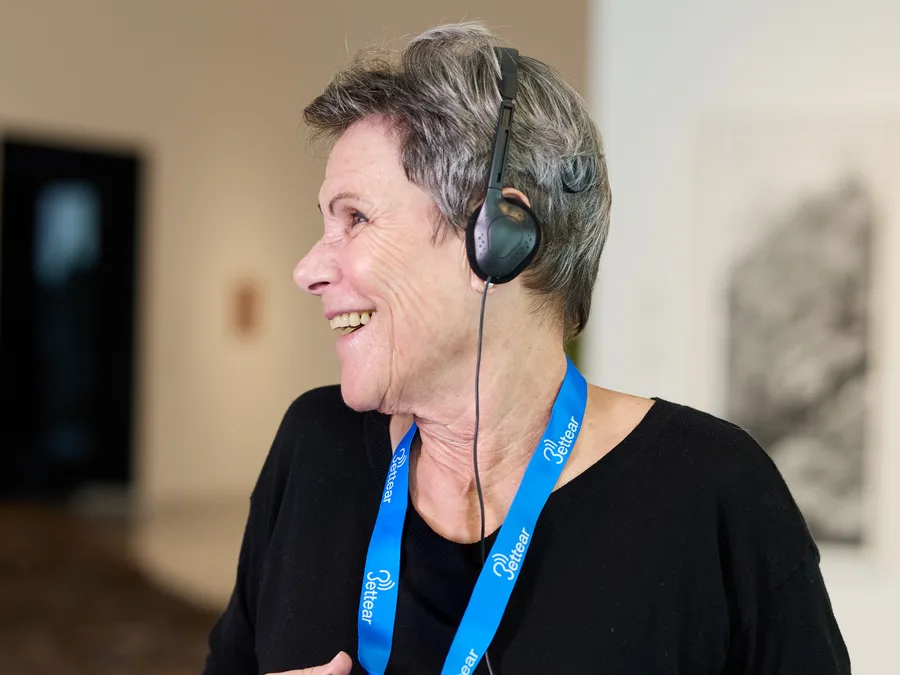
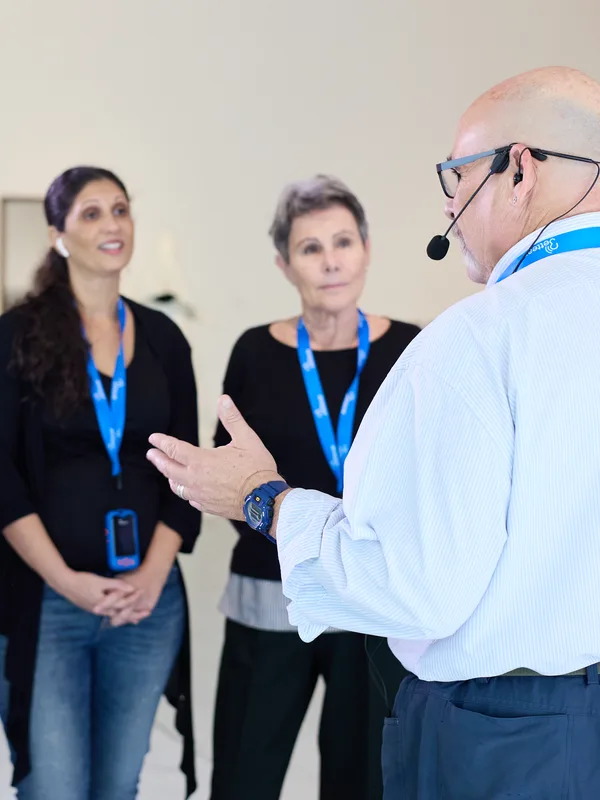
Auracast™ ushers in a new era of audio broadcasting, delivering sound directly to hearables and unlocking powerful opportunities across a wide range of applications - from assistive listening and live events to tours, guides, and immersive experiences.
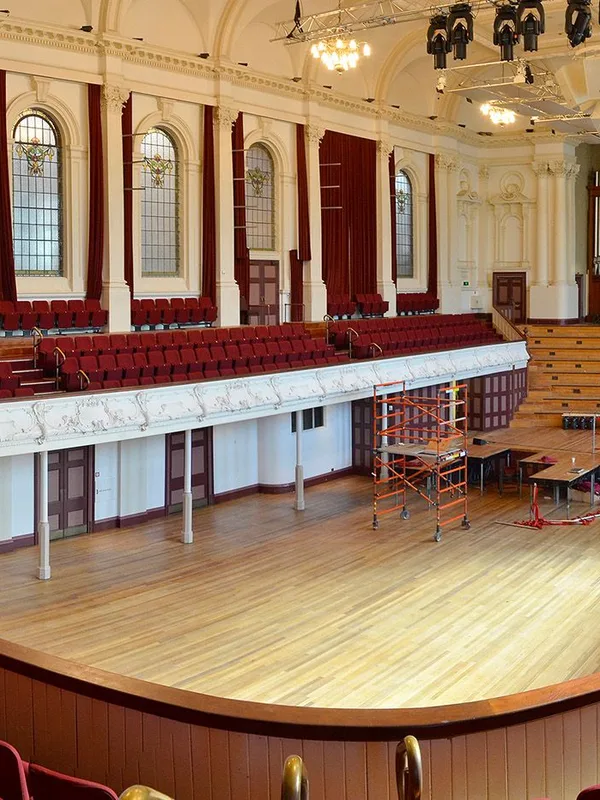
No need to borrow devices or sit in a designated area anymore - just take a seat and enjoy the show.
When listening through Auracast, the sound quality was noticeably clearer. Auracast alone sounded better. I could hear more than 80% clearly and was able to enjoy the movie very much.
No. Your phone acts only as an assistant: it helps you find and select the broadcast. The sound plays directly in your Auracast-enabled hearing aids, cochlear implant processor or earbuds. If you do not have a compatible device, ask the venue for a Bettear RTX receiver.
Yes. Use your hearing aid manufacturer’s application, which usually includes an option to find and select Auracast broadcasts, for example by scanning the QR code at the venue. On supported Android phones, you can also select the broadcast directly from the Bluetooth settings, once LE Audio is enabled.
Auracast is probably not activated yet. Update your hearing aid application, and ask your hearing care professional to update the firmware and turn on Auracast. Also, make sure the paired device’s LE Audio option in the Bluetooth settings is enabled.
Ready to bring Bettear to your audience? Our team is here to help you find the right fit.