
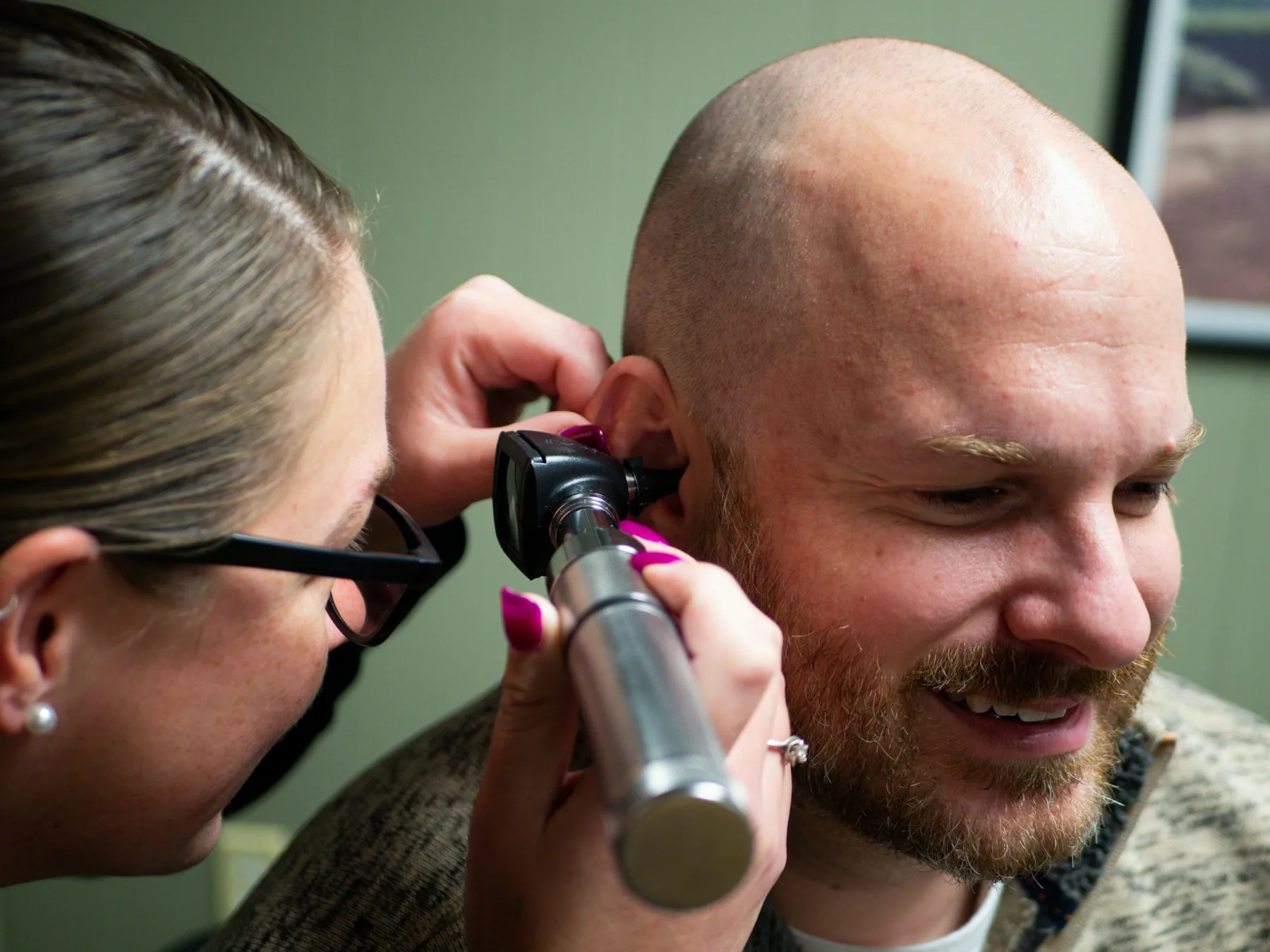
For hearing care professionals
The Ultimate Auracast™ Demonstration
Let your patients hear the future — before they choose a device.
Auracast™ in a nutshell
One transmitter. Any number of listeners. Straight into the hearing device.
Broadcast, not pairing
One transmitter serves an unlimited number of listeners at once.
Straight to the hearing device
High-quality audio, low latency — nothing extra to wear or hand over.
An open standard
Bluetooth® LE Audio — built into new hearing aids and phones.
The first assistive listening technology that is also mainstream consumer audio.
This is not a pilot any more
Auracast™ is scaling on both sides — in the devices people own, and in the places they go.
- Bluetooth® LE Audio devices shipping annually by 2030
- 3.63B
- growth in public venues adopting Auracast™ by 2030
- 33×
- Bluetooth® hearing aids and OTC hearing aids shipping annually by 2030
- 34M+
- people projected to have some degree of hearing loss by 2050
- ~2.5B
Your patients will meet Auracast™ outside your clinic. Better they meet it inside it first.
Forecasts: ABI Research, 2026, via Bluetooth SIG · Hearing-loss projection: WHO, Deafness and hearing loss fact sheet, 3 March 2026.
What the old technologies could never do
FM, infrared and induction loop solved the room. They never solved the person.
FM · Infrared · Induction loop
- A receiver to hand out, clean and charge
- One programme per system
- Line of sight, or a loop in the floor
- Telecoil sound — mono, narrow bandwidth
- Nothing the patient owns or takes home
Auracast™
- Their own hearing aids. Nothing handed over.
- Many programmes side by side
- Radio coverage — no loop, far less positioning-sensitive than IR
- Full-bandwidth stereo, low latency
- The same device they wear every day
Not a better loop. A different category — and one your patient already carries.
New places, new experiences
Applications that were never really practical before — and where your patients will find them.

Cultural venues
Theatres, halls, museums — the desk mix, not the room.

Sports arenas
Commentary over the crowd, not under it.
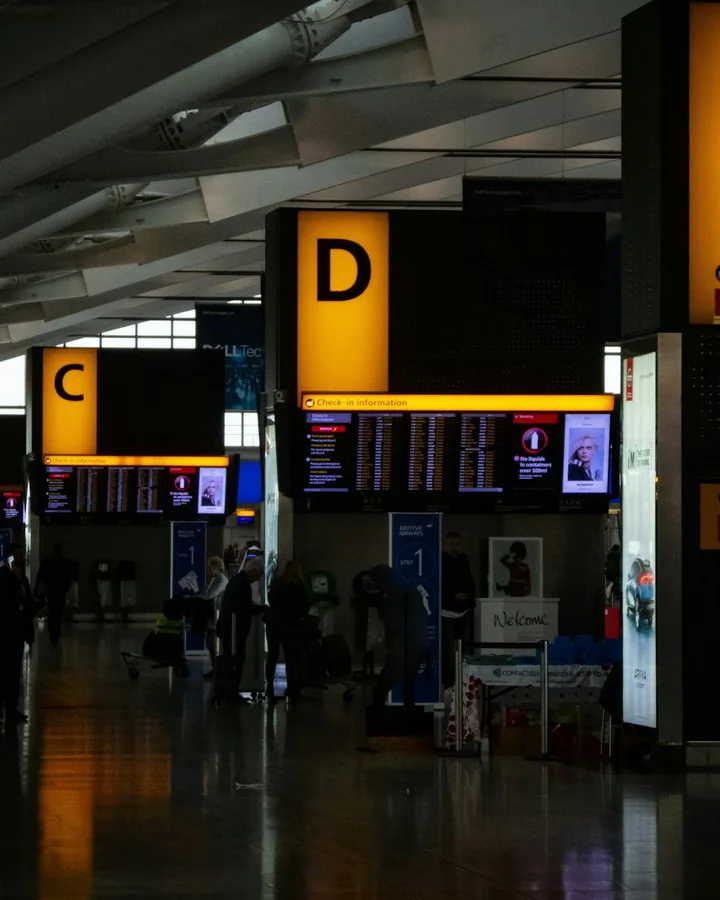
Transport hubs
Gate and platform announcements, in their own ears.

Education
Lecture halls and classrooms — teacher straight to student.
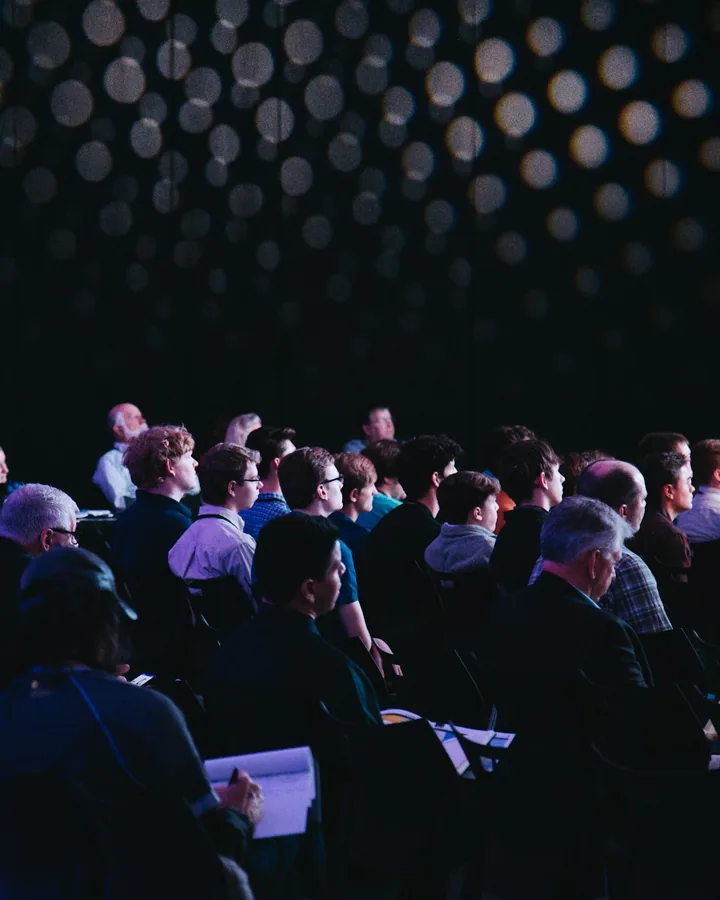
Multi-stream events
Several languages or channels side by side.

Cinemas
Full-bandwidth soundtrack, no headset to borrow.
Every one of these is a reason for a patient to want an Auracast™-enabled hearing aid.
Getting onto a stream is now trivial
Three ways in — no menus to teach, no instruction card to read.
Scan
Point the phone at the code on the wall — or on the RTX screen.
Tap
Touch the receiver to the venue’s access panel and it joins. NFC.
Pick from a list
Choose the stream by name — “Hall 1”, “English”, “Screen 3”.
Who does what. Phone = Auracast™ Assistant. Hearing aids = the receiver, and where the audio actually plays.
Does my device work with Bettear Auracast™?Ease of access is what turns a one-off demo into an everyday habit.
The in-clinic demonstration
The hardest part isn’t the technology
It’s describing a sound the patient has never heard. A realistic demonstration is worth more than a thousand words. A patient who truly experiences the technology finds the decision easy — and joins the Auracast™ generation.
Patients don’t buy bandwidth. They buy the concert, the lecture, the grandchild they can finally follow.
Let them experience their own life
A short set of prepared listening scenes, chosen for what this patient actually does.
A concert hall
Strings and hall reverb — detail they stopped expecting.
A live band
Loud, dense, compressed — where hearing aids usually fail.
An action scene
Dialogue under effects — answered at the source.
A lecture or class
One voice across a large, reverberant room.
Build the set once, for your clinic. The tool loads up to five scenes per device — swap them whenever a new argument works better, or keep a different set for paediatric and adult fittings.
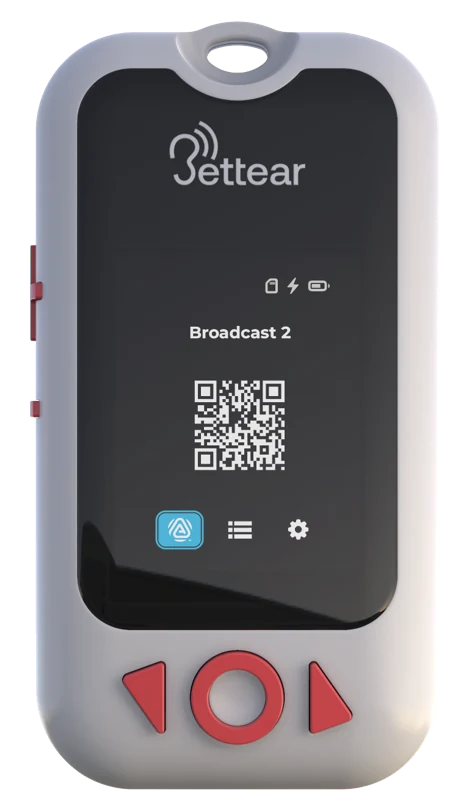
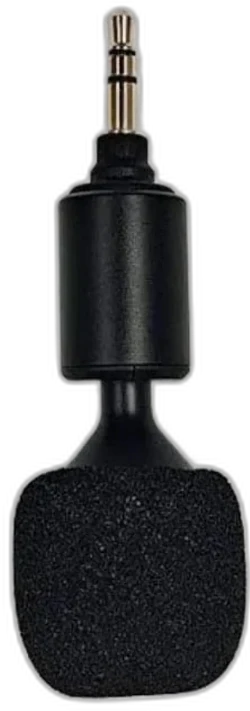
The RTX — the demonstration tool
One handheld device does everything the clinic demo needs. No network, no installation.
- Integrated display and controlsStream list, battery, broadcast name — visible on the device.
- Transmitter modeYour voice, through the plug-in microphone, live into their hearing aids.
- Media Player modePrepared listening scenes played from a microSD card.
- Auracast™ QR code on screenShown on the device display — the patient scans it and joins.
- 10 hours transmittingA full clinic day between charges.
- Duplex+ licenseDuplex adds transmitter mode; Duplex+ adds the playback of pre-recorded audio files. The full clinic demo needs an RTX with Duplex+.
It fits in a coat pocket, needs no network, and is ready the moment you pick it up.
See the RTXThe demonstration — step by step
Five moments, a few minutes — and the patient has done everything they’ll do in the real world.
- 1
Connect with the hearing-aid app
The patient picks the stream from a list — just like choosing a Wi-Fi network.
- 2
Talk to them
Speak through the RTX microphone — your voice, live, in their own hearing aids.
- 3
Play their world
Step through everyday listening scenes — music, film, a lecture.
- 4
Show quick access
They scan the QR code on the RTX screen and they’re on the stream.
- 5
Tap to connect Coming soon
Hold the phone against the RTX and join — no code at all.
Who does what. The phone is the Auracast™ Assistant — it finds and selects the broadcast. The hearing aids are the receiver — that’s where the audio actually plays. Nothing streams through the phone.
Ninety seconds of listening replaces twenty minutes of explaining.
Ready in five minutes
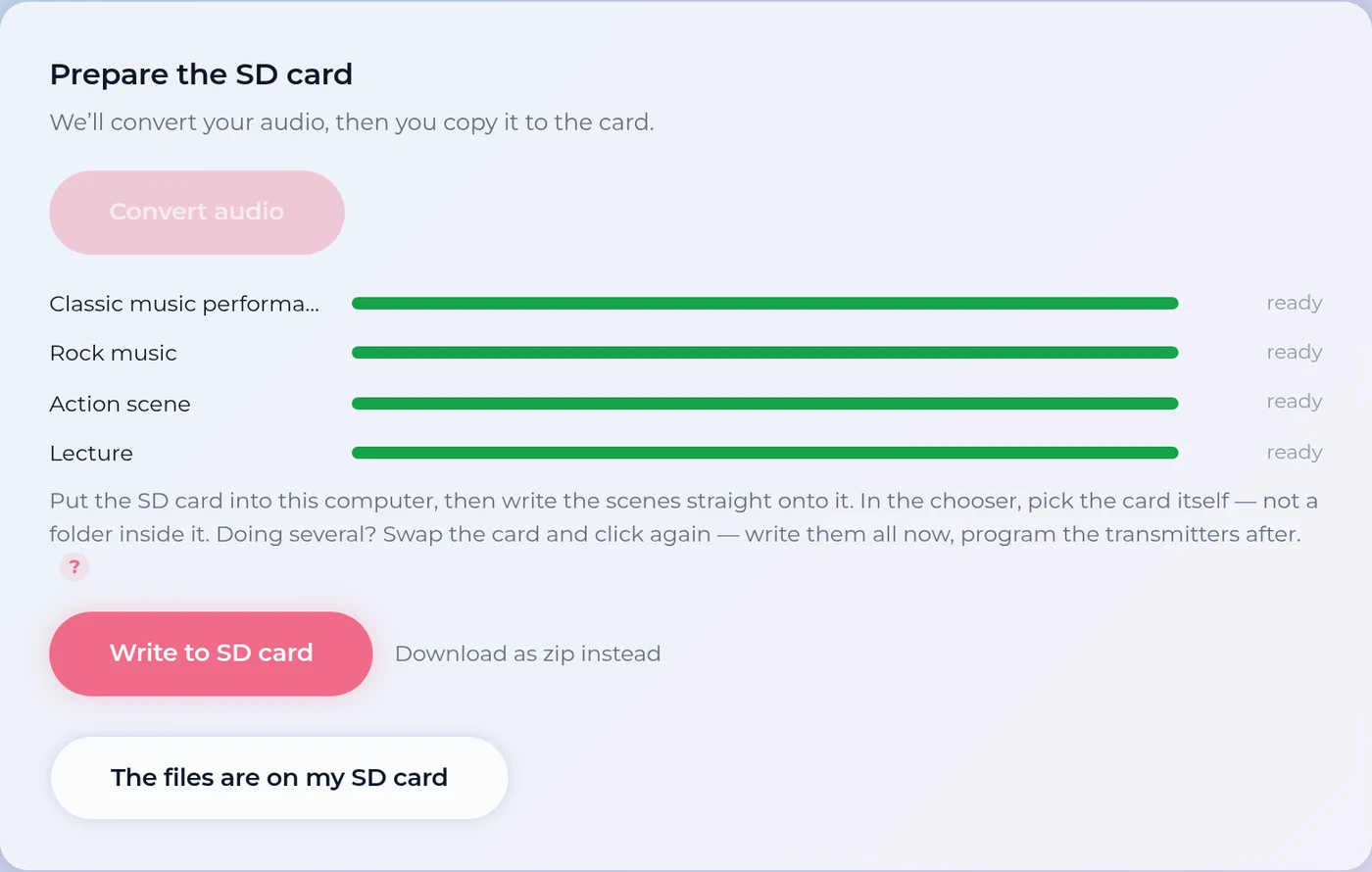
A web page prepares the RTX. Connect it over USB-C and follow four steps.
- 1 Choose the audio
- 2 Prepare the card
- 3 Program the devices
- 4 Done
Runs in the browser · works offline · nothing to install · your own broadcast name · save the settings and reuse them next time
No training and no documentation needed — and nothing to install on the clinic’s laptop.
Start the experience in the waiting room
A CASTER on the silent TV — clear audio to whoever happens to be waiting.
Setting it up. TV audio in. Power the device. Name the broadcast.
The screen stays silent
No speaker noise in a room full of people who dislike noise.
Nothing handed out
No headsets to charge, clean, chase or replace.
A printed QR code on the wall
Patients join in seconds — scanned with their hearing-aid app.
Every wait becomes a trial
Patients discover the feature themselves, before you mention it.
One small box
A CASTER, an audio feed from the TV, and power.
The more everyday moments they use Auracast™ in, the faster they adopt it — and the more they value it.
See the CASTER
We walk this road with you
Bettear builds the transmission side. You fit the ears. The patient only notices if both work.
Demo kit & scenes
Help choosing and preparing the listening scenes for your clinics — and a starting set to build from.
Training & walkthroughs
Live sessions for your teams on the RTX, the programming tool and Auracast™ itself.
Engineering support
A short line to the people who actually build the products — not a ticket queue.
A shared roadmap
What your clinics run into shapes what we build next. Tell us the use case and it moves up.
One goal: a patient who leaves the clinic hearing more of their own life.